NetNewsWire iCloud Sync Is Slow: What You Can Try

You finish reading on your Mac, then pick up your iPhone. The articles are still unread there. Or you add NetNewsWire to a new device and wait for your feeds to appear.
If NetNewsWire is slow to sync through iCloud, start by checking which account each device uses and whether the initial sync has finished. In NetNewsWire 7.0.4 and later, you can also reduce the amount of article content stored in iCloud. That may help, but the setting has a trade-off: an older unread article might not reach a device if it has already disappeared from the source's feed.
I build Lantery, a feed reader and sync service. If iCloud works for you, keeping it is a perfectly good outcome. These steps come first.
What is actually out of sync?
NetNewsWire can use different kinds of accounts. First, check that you are looking at the iCloud account in the app on both devices, and that those devices use the same Apple Account for iCloud. A feed under a different account in NetNewsWire is a different place to look.
Then notice what is missing. Are the subscriptions themselves absent? Are the same articles present, but their read or starred status differs? Or is the new device still loading a collection that already exists on the old one?
Those symptoms do not necessarily have the same cause. NetNewsWire's FAQ says that an initial sync can take longer after importing feeds or adding a new device. Give it time before changing accounts or removing anything.
Check your NetNewsWire version too. The settings below apply to version 7.0.4 or newer. For an earlier version, use the developer's older iCloud guide; its instructions are specific to those releases.
Check the unread-content setting
NetNewsWire syncs your subscriptions and article status through iCloud. It can also sync the content of unread articles. That helps another device receive an article even if the article has already dropped off its RSS feed by the time that device syncs. The extra content also means more data to store and sync.
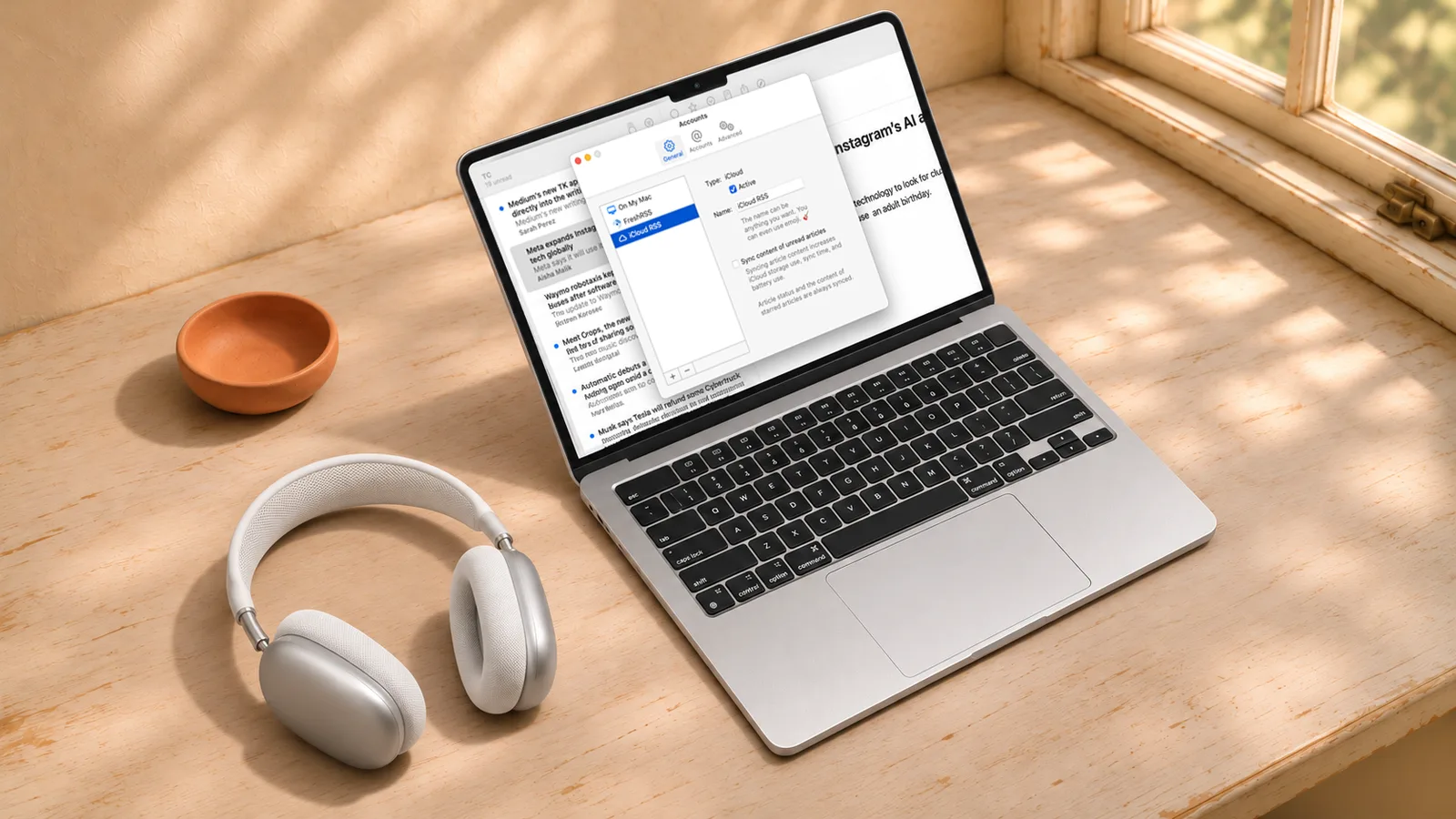
In NetNewsWire 7.0.4 and newer, you can choose whether to sync that unread content:
- On a Mac, open NetNewsWire settings and select your iCloud account. Find Sync content of unread articles.
- On an iPhone or iPad, open NetNewsWire settings and select your iCloud account. Find Sync Content of Unread Articles.
- If it is on and you are comfortable with the trade-off below, turn it off. NetNewsWire says this setting syncs between its copies, though it is worth checking the other device too.
For new users, the setting is off by default, according to the NetNewsWire guide. If you have used iCloud syncing for longer, it may still be on.
The trade-off matters. With unread content sync turned off, a device that has not refreshed in a while might miss an article that is no longer in the source's feed. NetNewsWire says it continues to store the content of starred articles in iCloud. That is not a promise that every article will always be available: decide whether the possibility of missing older unread items is acceptable for your reading.
Let cleanup work, or inspect the stored data
The same NetNewsWire guide describes a weekly background cleanup of iCloud data. It does not have to finish everything in one pass. If you have used the account for a long time, the reduction can happen gradually.
You can also inspect the numbers. On Mac, choose Window → iCloud Storage Stats in NetNewsWire. On iPhone or iPad, open NetNewsWire settings, find Troubleshooting, and tap iCloud Storage Stats. The scan may take several minutes.
The screen separates small status records from article content records. A large number of status records is not, by itself, a reason to delete them; NetNewsWire describes those records as small and expected.
There is a manual Clean Up option, but you do not have to run it. NetNewsWire warns that the next syncs can take extra time after a manual cleanup because the deletions themselves must sync. If you prefer, leave the weekly cleanup to work gradually. Do not delete your NetNewsWire data from iCloud as a first troubleshooting step.
If the devices still disagree
If the mismatch continues, note what you see and which versions and account types you are using. The NetNewsWire help pages and community forum are useful places to look for a situation like yours. A sync delay and a missing feed are not automatically the same problem, so a specific description helps.
You can also use NetNewsWire with a different supported sync service without giving up the app. The NetNewsWire FAQ lists services including Feedbin, Feedly and FreshRSS. Check each service's current terms, supported account setup and cost before moving. A hosted service also means trusting another provider with your subscriptions and reading data; self-hosting has its own maintenance requirements.
Before switching, export your subscriptions as an OPML file and keep the old account until you have checked the new setup. OPML is a useful copy of the feed list; do not assume it includes your read state or saved articles. Check those separately.
Where Lantery fits
I am building Lantery as a reader and sync service, and it is in alpha testing. It is another option to look at if you want a separate sync service, though alpha software comes with limits and deserves the same scrutiny as any other option. I have written a guide to moving from NetNewsWire's iCloud sync that covers the decision and the move in more detail.
If the settings above make iCloud work for you, you can keep your app and your setup. The point is to get back to reading your feeds.
Follow Lantery's launch
Lantery is in alpha testing. Public sign-up is not open yet. If you would like to hear when it opens, leave your email below. I will send one email when it does.